
A time clock that syncs straight to Xero
Clockie turns verified clock-ins into approved timesheets and pushes them directly into Xero Payroll — no CSV files, no re-keying, no payroll-day dread. Built in New Zealand, Xero-first.
Xero Payroll
Receives approved hours straight across the connection.
- Authorisation
- Per Xero organisation
- Sends
- One timesheet per employee per pay period
- Also syncs
- Approved leave, as Xero leave records
- Protection
- Draft timesheets only — never overwrites an approved one
How it works
From clock-in to pay run in four steps — the hours do the walking.
Staff clock in
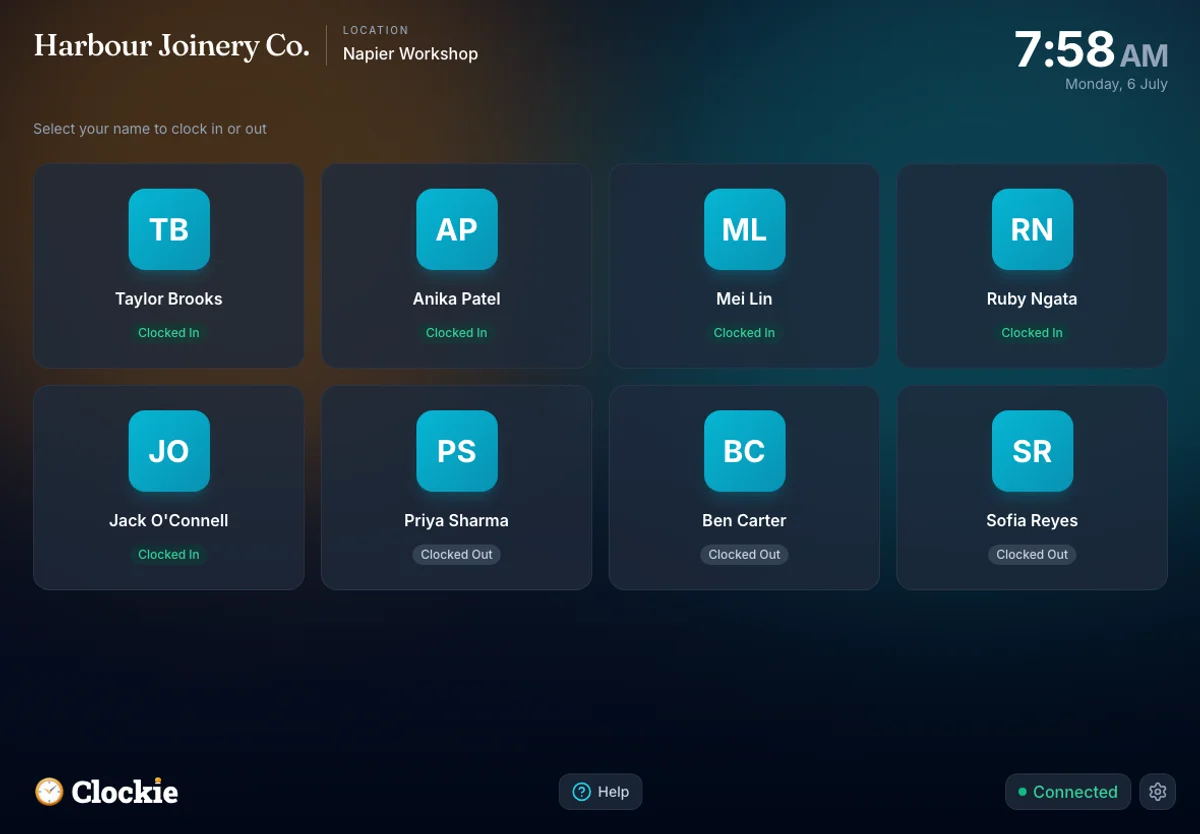
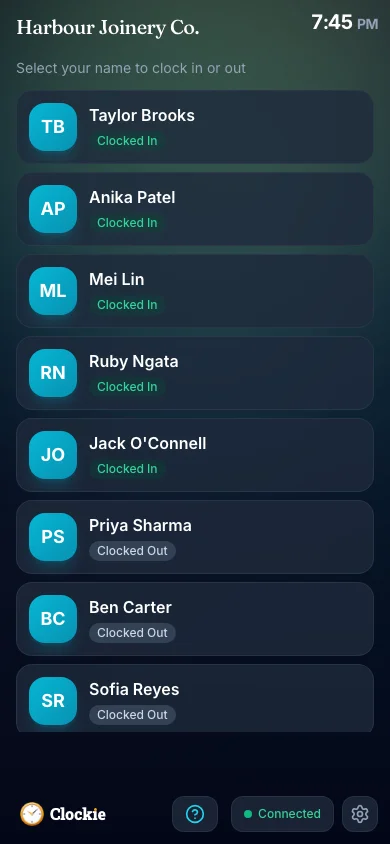
Your team clocks in and out on the shared tablet or their phone — verified by PIN, photo or face, or tap-and-go with an optional badge or QR in place of PIN and face checks.
You approve the hours
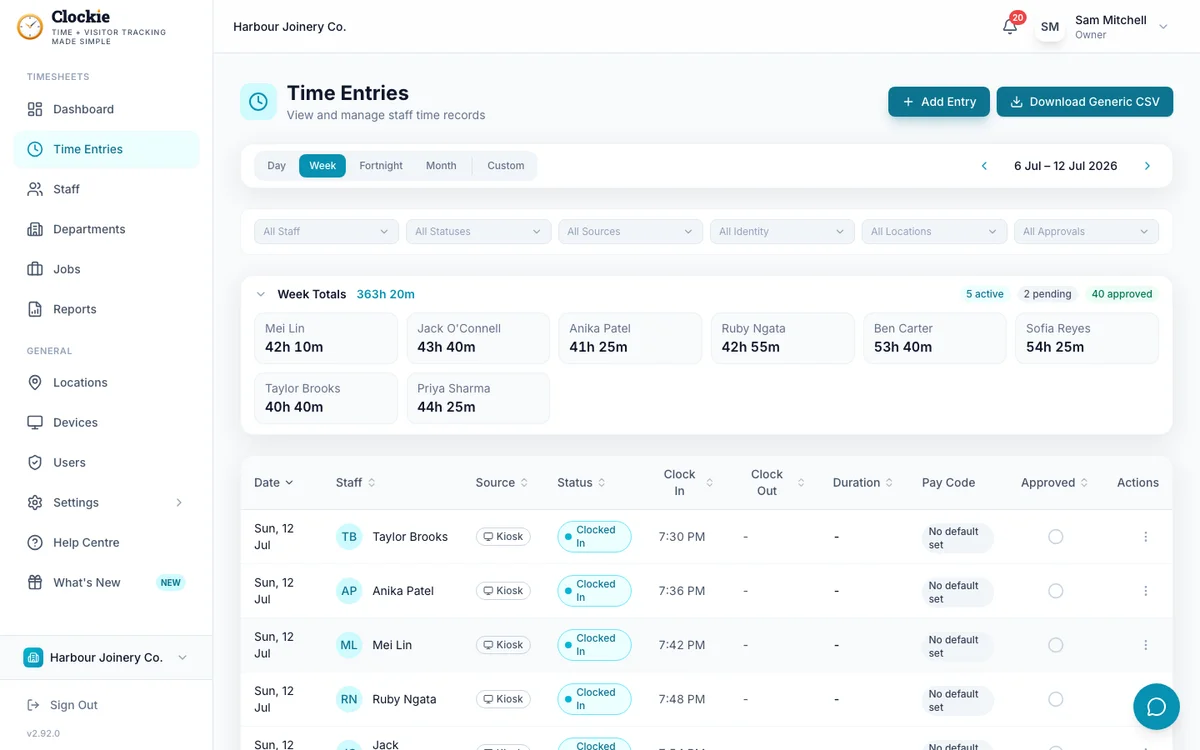
Review timesheets, with NZ rest and meal breaks already applied. Fix anything before it goes anywhere — only approved entries are eligible to sync.
Hours push to Xero
Approved hours flow directly into Xero Payroll as a timesheet per employee — no CSV files, no re-keying. Clockie records exactly which entries it sent.
Run your pay
Finish the pay run in Xero as normal. Employees are matched, so the hours land against the right people on the right earnings rates.
How the hours reach Xero
Approved hours in Clockie
Verified clock-ins with breaks, rounding and pay codes already applied.
Live connection
API
Xero pay run
Receives approved hours straight across the connection.
Approved hours move straight across the connection into Xero. Nothing to download, nothing to upload, nothing to re-key.
What the Xero sync covers
The Xero connection is a live API integration, not a file drop. Here is exactly what moves between the two systems, and what Clockie does to keep them honest with each other.
- Connection type
- An authorised Xero connection per organisation, using Xero’s payroll scopes. Tokens are stored encrypted and refreshed automatically, so the connection keeps working between pay runs.
- What is sent
- One Xero timesheet per mapped employee per pay period, with a timesheet line for each worked date and earnings rate. Two shifts on the same date and rate are added together into a single line rather than sent twice.
- Employee mapping
- Each Clockie staff member is mapped to a Xero employee once. Clockie runs a preflight before every sync and stops with the specific names listed if approved hours exist for anyone who is not yet mapped.
- Pay calendar and period
- You choose the Xero pay calendar for the connection. Clockie derives the pay periods from that calendar and creates each timesheet against it, so the dates line up with the pay run you are about to process.
- Earnings rates
- A time entry’s pay code carries its Xero earnings rate, falling back to the staff member’s mapped rate and then the business default. If no rate can be resolved, the sync stops and tells you rather than guessing one.
- Breaks and rounding
- Your NZ break-deduction and rounding rules are applied to the hours before they leave Clockie, so what Xero receives is what you signed off on the timesheet screen.
- Leave
- Approved leave is routed to Xero’s employee leave records instead of worked timesheet hours, using the Xero leave type mapped in Clockie — so a leave day is never also paid as time worked.
- Job tracking
- Optional: map Clockie jobs to Xero timesheet tracking options and each line carries its tracking item, so labour lands against the right tracking category in Xero.
- Duplicate protection
- Before writing, Clockie reads back the timesheets already in Xero for the period and matches them by employee. Re-running a period updates the existing draft rather than adding a second timesheet, and Clockie records every entry it has sent.
- Approved timesheets are safe
- Only draft timesheets are modified. If a timesheet has already been approved or processed in Xero, Clockie skips that employee and tells you why instead of touching a timesheet your pay run depends on.
Why teams pair Clockie with Xero
No more manual entry
The single biggest payroll time-saver: timesheets that build themselves and land in Xero, instead of an afternoon of typing.
Fewer payroll errors
Verified clock-ins and auto-applied breaks mean the hours in Xero reflect what was actually worked — not a guess. Missing employee mappings and missing pay codes are caught before anything is sent.
A clean audit trail
Every hour is recorded with who, when and where, so your wage and time records stand up if you’re ever asked. Each sync run is logged with what was sent, skipped or failed, employee by employee.
NZ-built, Xero-first
Clockie is made for New Zealand businesses, with Xero as a first-class, live integration — not an afterthought. Leave, breaks and pay calendars follow the way NZ payroll actually runs.
About Xero Payroll
Xero is a New Zealand-founded cloud accounting platform, with Xero Payroll built in for NZ employers — pay runs, leave, KiwiSaver and payday filing to Inland Revenue. Xero publishes a Payroll API for New Zealand organisations, and that is the API Clockie uses for the live timesheet and leave connection described here. You still run and finalise the pay run inside Xero.
Xero integration questions
Does Clockie sync timesheets to Xero Payroll?
Yes. Clockie pushes approved timesheets directly into Xero Payroll via the Xero API, so hours flow through to your pay run without CSV files or manual entry. Employees are matched between Clockie and Xero so hours land against the right people.
Is the Xero integration one-way or two-way?
Clockie’s Xero payroll integration is a live, direct connection: approved hours push to Xero, and employee details, earnings rates and pay calendars are read back from Xero so timesheets map to the correct people and periods. You still run and finalise the pay run in Xero.
Do I still need Xero Payroll?
Yes. Clockie captures and approves the hours; Xero runs the payroll. Clockie is the time clock and timesheet layer that feeds Xero — it doesn’t replace your payroll software.
Are NZ breaks handled before hours reach Xero?
Yes. Clockie applies NZ statutory rest and meal breaks to timesheets, so the hours you approve — and that flow to Xero — already reflect breaks. Your rounding rules are applied at the same point.
What happens if I sync the same pay period twice?
Clockie reads the timesheets already in Xero for that period and matches them to each employee, so a repeat run updates the existing draft timesheet instead of creating a second one. If a timesheet has already been approved or processed in Xero, Clockie skips it and tells you, rather than changing it underneath your pay run.
What if I use a different payroll system as well?
Clockie also integrates directly with Crystal Payroll and exports a formatted file for MYOB, iPayroll, Smartly, PaySauce, PayHero, Employment Hero and Thankyou Payroll, plus a generic CSV for anything else. See the full list on the integrations page.
How much does it cost?
Clockie starts at $29 NZD/month (excl GST) including 5 staff, then $2 per extra staff. The Xero integration is included — there’s no separate integration fee.
Clockie also syncs live to Crystal Payroll, and writes formatted export files for the other New Zealand payroll systems. See all integrations.
Send your hours straight to Xero
Try Clockie free for 14 days. No credit card. Verified clock-ins, automatic NZ breaks, and timesheets that land in Xero on their own.
No credit card • Cancel anytime • NZ-based support