
On AccountRight in New Zealand, your hours go to MYOB Business Payroll
MYOB documents that an NZ AccountRight Plus or Premier plan bundles a separate MYOB Business Payroll subscription, and that the two products are not integrated. Your pay run happens over there — which is where Clockie sends your approved timesheets.

MYOB Business
Receives a timesheet file already shaped to its import spec.
- Where NZ pay runs
- MYOB Business Payroll
- Export format
- MYOB Business timesheet import (.csv)
- Employee matching
- Employee Card ID
- Date format
- DD/MM/YYYY
How it works
From clock-in to pay run in four steps — the hours do the walking.
Find where your pay is processed
On an NZ AccountRight Plus or Premier plan, MYOB documents that payroll runs in the bundled MYOB Business Payroll subscription and that the two products are not integrated. That is the system your hours need to reach.
Staff clock in and you approve
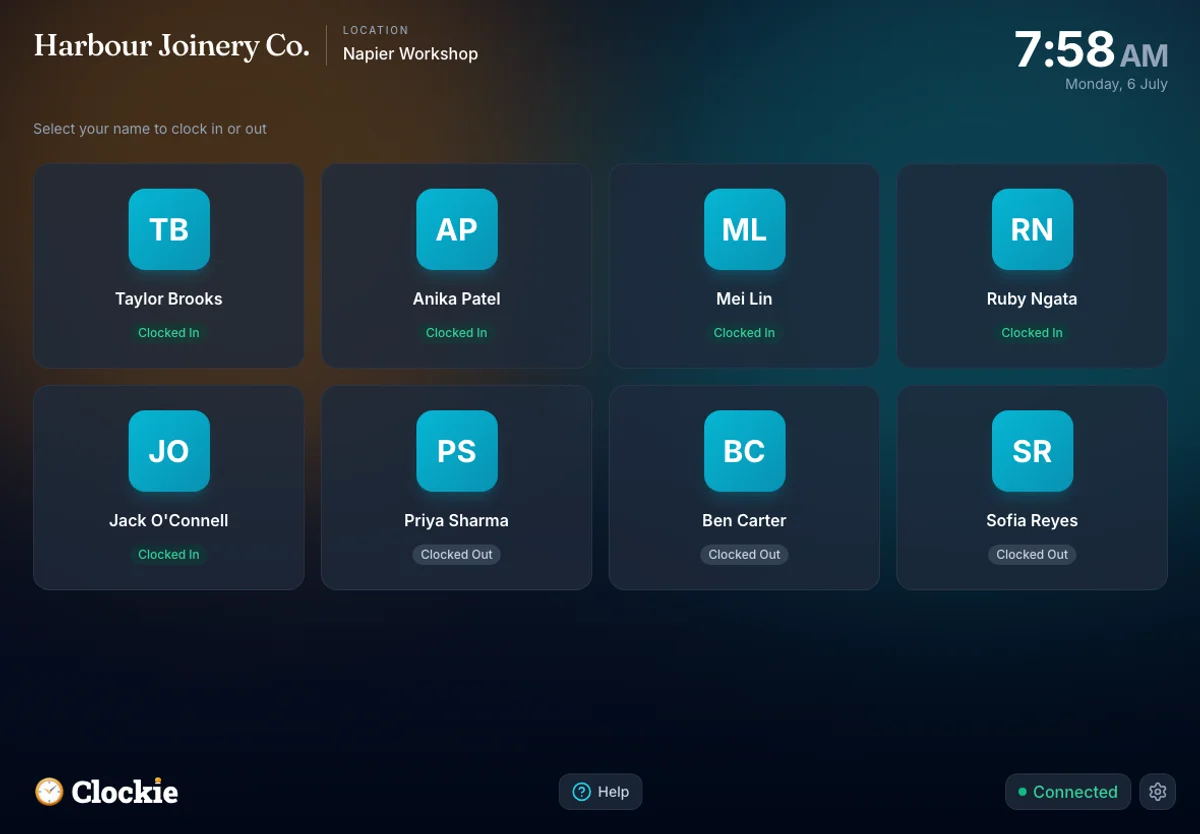
Your team clocks in on a shared tablet or their own phone, verified by PIN, photo or face, or tap-and-go with an optional badge or QR in place of PIN and face checks. You approve the period with break deductions and rounding already applied.
Export for MYOB Business
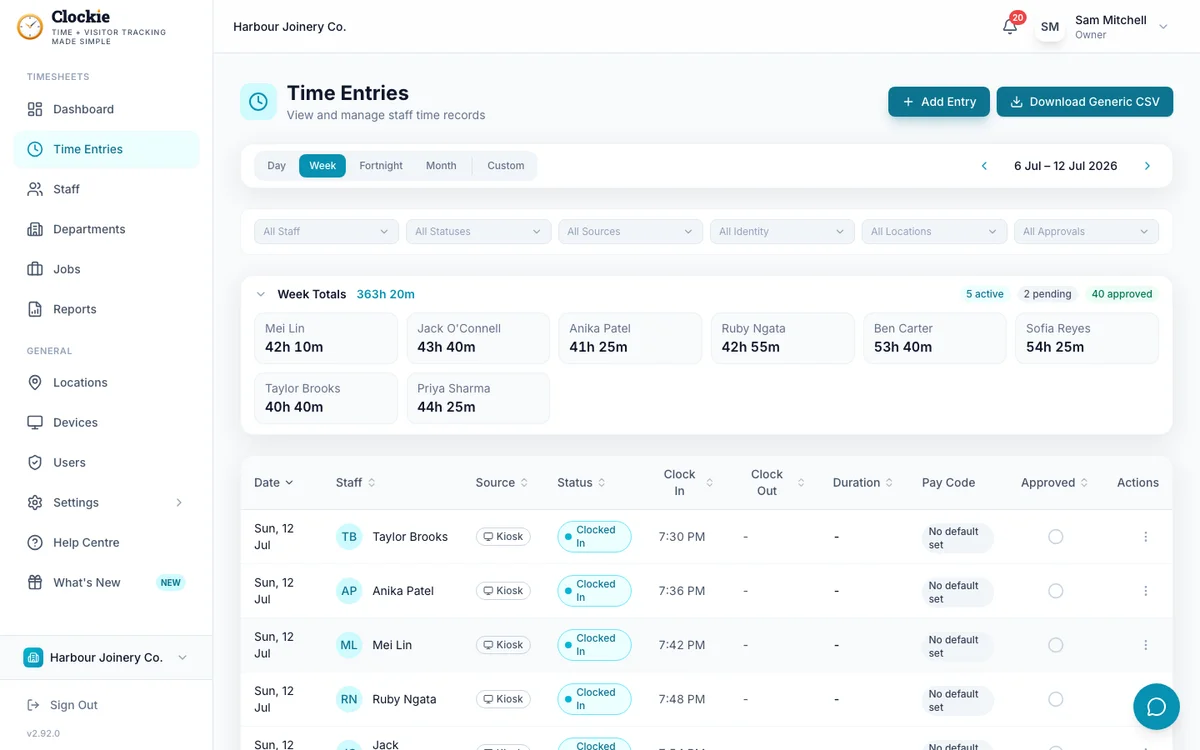
Choose MYOB Business as your provider in Clockie. One click builds the timesheet file with a header row and one line per shift, carrying each person’s card ID and pay item.
Import in MYOB Business
In MYOB Business, go to Settings, then Import and export data, choose Timesheets and import the file before processing the pay run.
How the hours reach MYOB
Approved hours in Clockie
Verified clock-ins with breaks, rounding and pay codes already applied.
Timesheet file
.csv
MYOB pay run
Receives a timesheet file already shaped to its import spec.
Clockie writes the file to MYOB's own import spec, so the upload is the whole job — no reshaping columns in a spreadsheet first.
Why this page sends you to MYOB Business
AccountRight and NZ payroll are two products on one plan, by MYOB’s own description. Here is what that means for a time clock, and exactly what Clockie writes for the import that does exist.
- What MYOB documents
- MYOB’s New Zealand AccountRight page states that a Plus or Premier plan includes a base subscription to MYOB Business Payroll Only at no additional cost, and adds: “Please note: these products are not integrated.” Its community guidance for the older bundles says the same — the payroll is a separate program from AccountRight.
- What that means for timesheets
- The hours have to land in MYOB Business Payroll, where the pay run happens. Clockie therefore writes the MYOB Business timesheet import file rather than anything AccountRight-shaped.
- A note on the Australian flow
- AccountRight does carry payroll for Australian company files, and MYOB documents its timesheet API endpoints as being for Australian files. Clockie is built for New Zealand payroll, so that is not the path these pages describe.
- File type
- Comma-delimited .csv with a header row, one row per shift, named myob-business-timesheets-<date>.csv.
- Columns written
- Employee last name, Employee Card ID, payroll category, date, units, and the shift start and end times.
- Employee matching
- The card ID column carries each person’s Employee Payroll ID from Clockie, which should hold their MYOB employee card ID. Last name is written as well, but the card ID is the reliable key when two people share a surname.
- Payroll category and units
- The payroll category comes from the pay code applied to the entry, so overtime and allowances land on the MYOB pay item you nominate; entries with no pay code fall back to ordinary hours. Units are decimal hours after your break-deduction and rounding rules.
- Validation Clockie runs
- Only approved entries with a clock-out are exported, and staff without an Employee Payroll ID are left out of the file and named to you first.
Why teams pair Clockie with MYOB
A straight answer about a confusing bundle
One plan, two products, one of which does the pay run. Knowing which system your hours belong in saves an afternoon of looking for an import screen that is not in AccountRight.
Card IDs, not guesswork on names
Rows are keyed on the MYOB employee card ID rather than a last name, so two people called Smith do not end up sharing a timesheet.
Pay items mapped once
Point each Clockie pay code at its MYOB payroll category and every future export lands overtime and allowances on the right pay item.
Hours you can prove
Verified clock-ins with PIN, photo or face, automatic NZ break rules and an approval step mean the units you import reflect what was actually worked.
About MYOB in New Zealand
MYOB sells AccountRight in New Zealand as MYOB Business AccountRight Plus and Premier, accounting plans that bundle a base MYOB Business Payroll Only subscription which MYOB describes as a separate, non-integrated product. MYOB Business is the cloud product where that payroll runs, covering PAYE, KiwiSaver, leave and payday filing, and it includes a timesheet import under Settings, then Import and export data.
MYOB integration questions
Can Clockie import timesheets into MYOB AccountRight in New Zealand?
Your NZ pay run does not happen in AccountRight. MYOB documents that an AccountRight Plus or Premier plan bundles a separate MYOB Business Payroll subscription and that the two products are not integrated, so Clockie writes the MYOB Business timesheet import file — the one that feeds the system actually paying your staff.
Which provider should I select in Clockie?
MYOB Business. Select it in your Clockie payroll settings and the export writes the header-row timesheet file for the MYOB Business import screen.
Why does AccountRight have payroll in Australia but not here?
MYOB builds payroll to each country’s rules. Its Australian AccountRight files carry payroll, and MYOB documents its payroll timesheet API endpoints as being for Australian files, while its New Zealand AccountRight plans route payroll to a bundled MYOB Business Payroll subscription instead.
What about AccountRight Classic v19?
MYOB discontinued AccountRight Classic v19 in February 2026. If you are moving off it, the timesheet path forward is the MYOB Business import, which is the file Clockie writes.
How are employees matched between Clockie and MYOB?
By MYOB employee card ID, stored as each person’s Employee Payroll ID in Clockie. Anyone missing one is excluded from the file and listed to you by name before you download it.
I run MYOB IMS Payroll, not MYOB Business. Is that different?
Yes, completely. MYOB IMS Payroll is a separate mid-market product with its own Time Import module and its own file layout, and Clockie writes that format under the MYOB IMS provider. Pick the export that matches the product your pay is processed in.
MYOB Business Payroll is where an NZ AccountRight plan’s pay run happens, and its guide is the canonical one for this export. Read the full MYOB Business integration guide.
Send verified hours to MYOB Business
Try Clockie free for 14 days. No credit card. Verified clock-ins, automatic NZ breaks, and a MYOB-ready timesheet file in one click.
No credit card • Cancel anytime • NZ-based support