
Approved hours in IMS Payroll’s Time Import format
Clockie writes your approved timesheets exactly as MYOB IMS Payroll’s Time Import expects — employee numbers, data entry codes, units to two decimals and cost codes. Import into the open pay and carry on.

MYOB IMS Payroll
Receives a timesheet file already shaped to its import spec.
- Export format
- IMS Time Import (.csv, no header row)
- Employee matching
- IMS employee number
- Hours
- Units to two decimal places
- Re-import
- Safe, with IMS deleting prior transactions
How it works
From clock-in to pay run in four steps — the hours do the walking.
Staff clock in
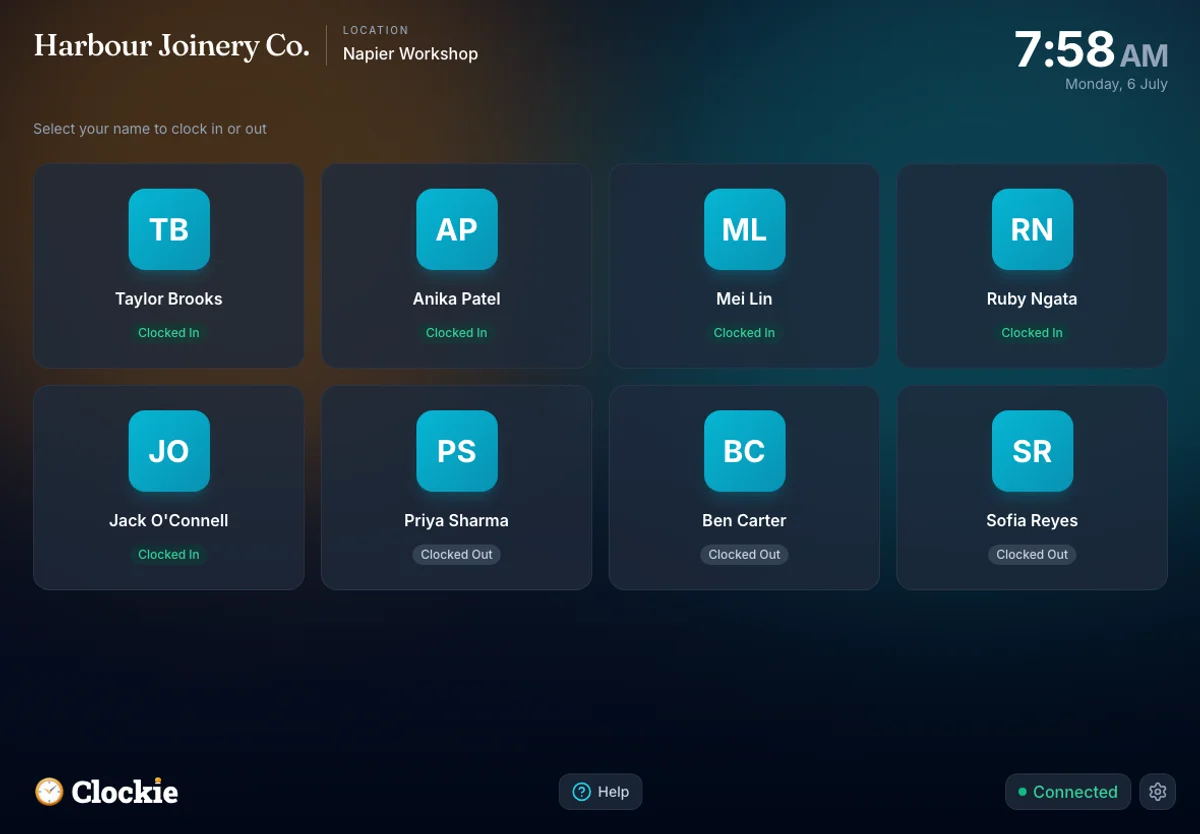
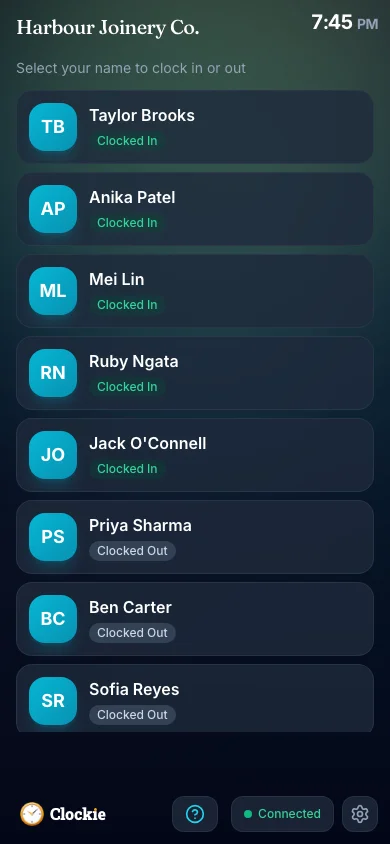
Your team clocks in and out on a shared tablet or their phone, verified by PIN, photo or face, or tap-and-go with an optional badge or QR in place of PIN and face checks. Entries hold locally through connection dropouts.
You approve the period
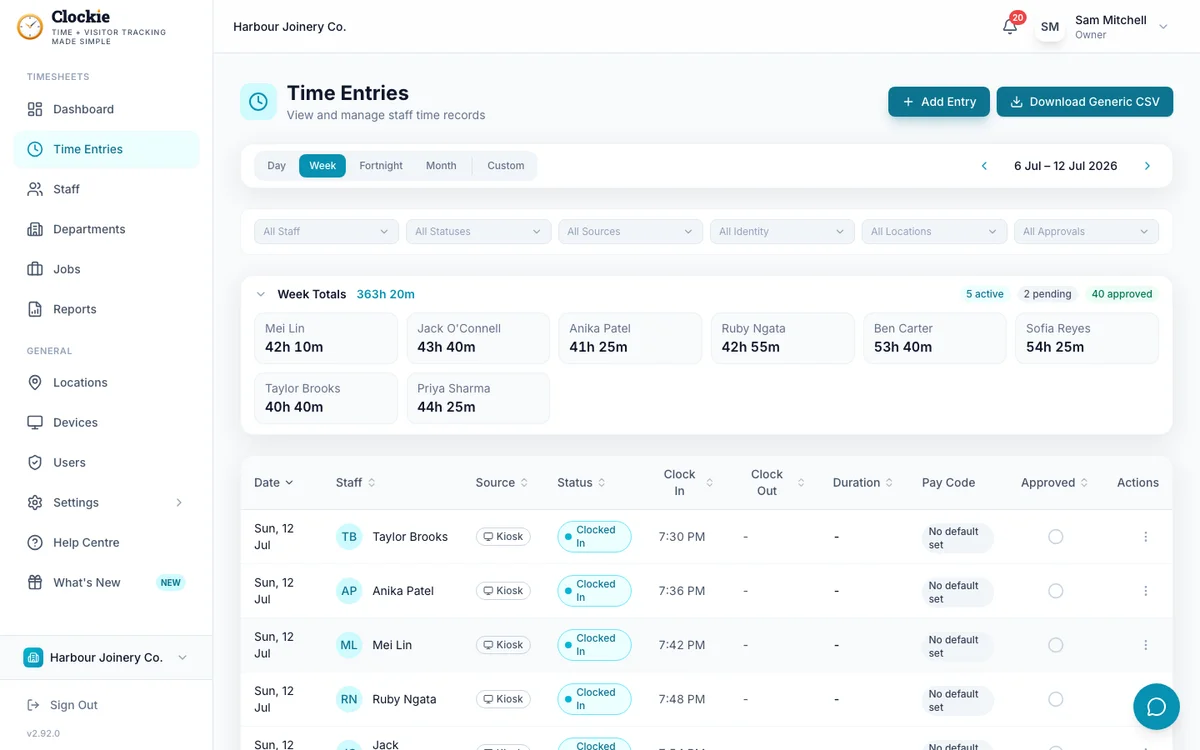
Review the timesheets with break deductions and rounding applied. Only approved, clocked-out entries can be exported.
Build the Time Import file
Clockie aggregates hours per employee, data entry code, cost code and date, then writes the headerless CSV IMS reads.
Import into IMS Payroll
In IMS Payroll, use Tools, then Files Import, then Time Import to load the file into the open pay before you finalise.
How the hours reach MYOB IMS
Approved hours in Clockie
Verified clock-ins with breaks, rounding and pay codes already applied.
Timesheet file
.csv
MYOB IMS pay run
Receives a timesheet file already shaped to its import spec.
Clockie writes the file to MYOB IMS's own import spec, so the upload is the whole job — no reshaping columns in a spreadsheet first.
What the MYOB IMS export covers
Built to MYOB’s published IMS Payroll Time Import specification. Here is exactly what Clockie writes, and what it checks before you download.
- File type
- Comma-delimited .csv with no header row and unquoted values, one transaction per line, named ims-time-import-<date>.csv.
- Columns written
- Employee number, data entry code, units, cost code, unit rate and the transaction date.
- Employee matching
- The employee number column carries each person’s Employee Payroll ID from Clockie, which must equal their IMS employee number.
- Data entry codes
- A Clockie pay code’s IMS data entry code export value tags each transaction. Entries with no pay code use T1, and a pay code with no IMS code is held back rather than written as an unknown code.
- Units
- Decimal hours to two places, aggregated per employee, data entry code, cost code and date, after break deduction and rounding.
- Cost codes
- Department codes fill the cost code column so hours stay costed where they were worked.
- Unit rate
- Left blank so IMS applies each payment’s own default rate rather than Clockie overriding your pay setup.
- Validation Clockie runs
- Only approved entries with a clock-out are exported, and staff without an Employee Payroll ID are named to you before the file is built.
Why teams pair Clockie with MYOB IMS
The format IMS actually reads
Headerless, unquoted, two-decimal units and dd/mm/yyyy dates, written to MYOB’s own Time Import specification rather than a generic spreadsheet you have to reshape.
Unknown codes never reach the pay
IMS rejects transactions with codes it does not recognise. Clockie holds those entries back and tells you which pay code needs an IMS data entry code, so the import does not error line by line.
Re-import without doubling up
IMS can delete previously imported transactions when you re-import, so a corrected file replaces the earlier one cleanly rather than stacking hours.
Costing carried through
Department codes travel as cost codes, so job and department costing survives the trip from the kiosk into the pay.
About MYOB IMS Payroll
MYOB IMS Payroll is a New Zealand payroll product used by mid-market employers, available hosted or installed, and covering PAYE, leave, allowances and payday filing. It includes a Time Import module documented by MYOB for loading hours from third-party time and attendance systems.
MYOB IMS integration questions
Does Clockie work with MYOB IMS Payroll?
Yes. Clockie exports approved timesheets in IMS Payroll’s documented Time Import format — a headerless CSV of transactions carrying employee numbers, data entry codes, units, cost codes and dates. You import it under Tools, then Files Import, then Time Import.
How is this different from the MYOB Business export?
They are different products with different import formats. MYOB Business uses a header-row timesheet import in the browser, while IMS Payroll uses this headerless Time Import file. Choose MYOB IMS Payroll as your provider in Clockie and you get the IMS format.
What are data entry codes and do I need to set them up?
They are the codes IMS uses to identify each payment, such as ordinary time or an overtime rate. In Clockie, put the matching IMS code on each pay code as its export value. Entries with no pay code export as T1, and a pay code without an IMS code is held back so an unknown code never reaches IMS.
Can I re-import a corrected file?
Yes. IMS offers an option to delete previously imported transactions when importing, so a corrected export replaces the earlier import rather than adding to it. Check that option in IMS when re-importing the same period.
Are NZ breaks and rounding applied first?
Yes. Units are calculated after your break-deduction and rounding rules, and only approved entries with a clock-out are exported, so the transactions match the timesheets you approved.
What does the MYOB IMS export cost?
Nothing extra. Payroll exports are included in every Clockie plan, from $29 NZD per month excluding GST with five staff included, then $2 per extra staff member.
On MYOB Business instead? Clockie writes that timesheet import format too — see all integrations. See all integrations.
Send verified hours to IMS Payroll
Try Clockie free for 14 days. No credit card. Verified clock-ins, automatic NZ breaks, and an IMS Time Import file ready in one click.
No credit card • Cancel anytime • NZ-based support