
Approved hours, written to PaySauce’s worksheet format
Clockie exports each pay period as a PaySauce worksheet file — employees matched on IRD number, hours tagged with the right factor code, and department costing carried through. Upload it and run your pay.

PaySauce
Receives a timesheet file already shaped to its import spec.
- Export format
- PaySauce worksheet file (.csv)
- Employee matching
- IRD number
- Date format
- YYYYMMDD
- Hours tagging
- Factor codes, ORD by default
How it works
From clock-in to pay run in four steps — the hours do the walking.
Staff clock in
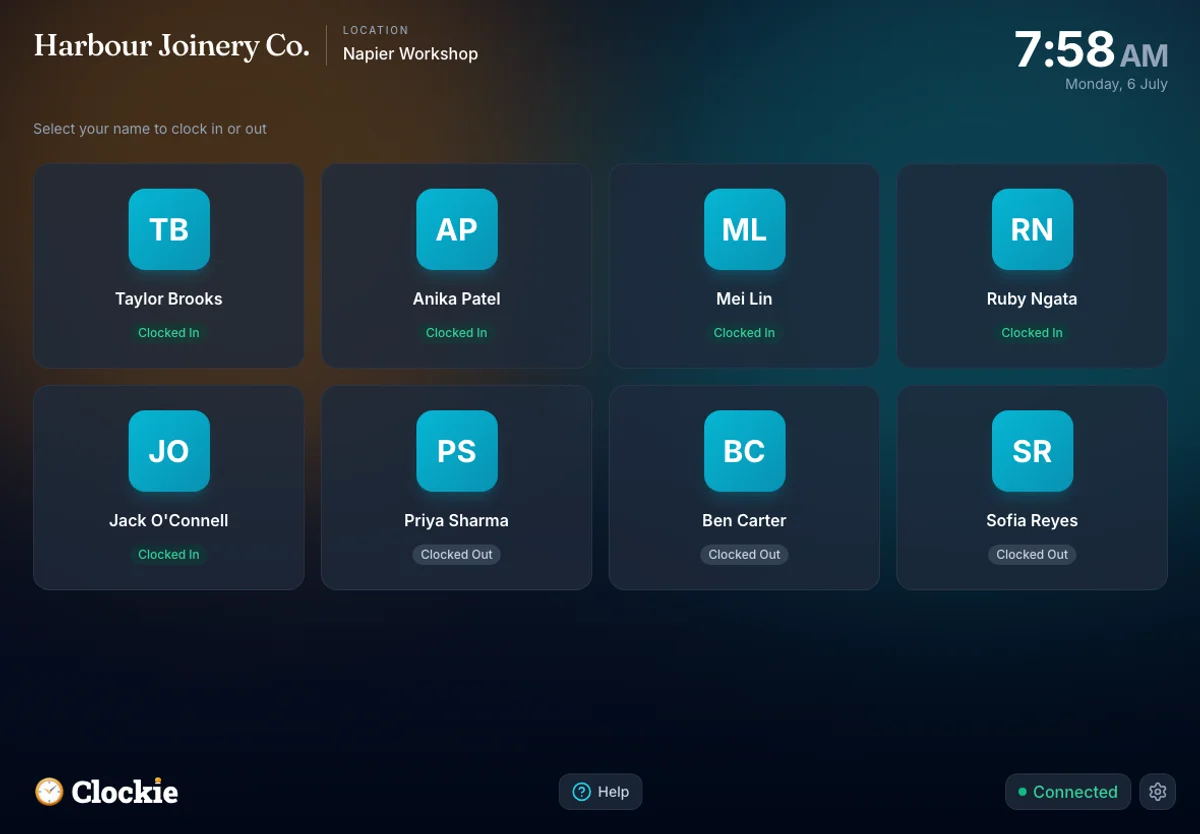
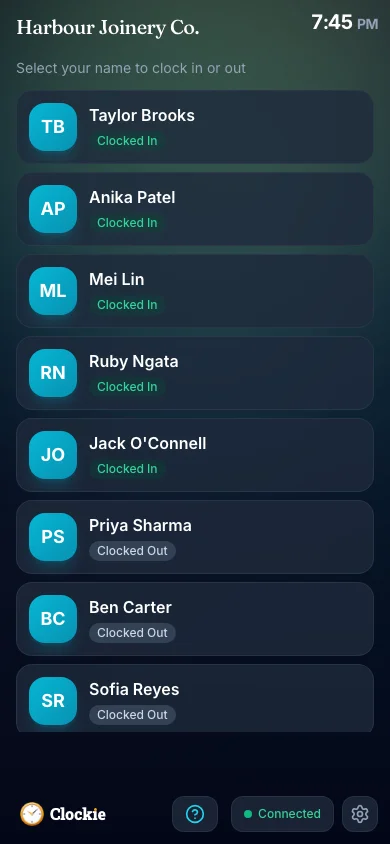
Your crew clocks in and out on a shared tablet or their phone, verified by PIN, photo or face, or tap-and-go with an optional badge or QR in place of PIN and face checks. Entries hold on the device through a dropout and sync when the signal returns.
You approve the period
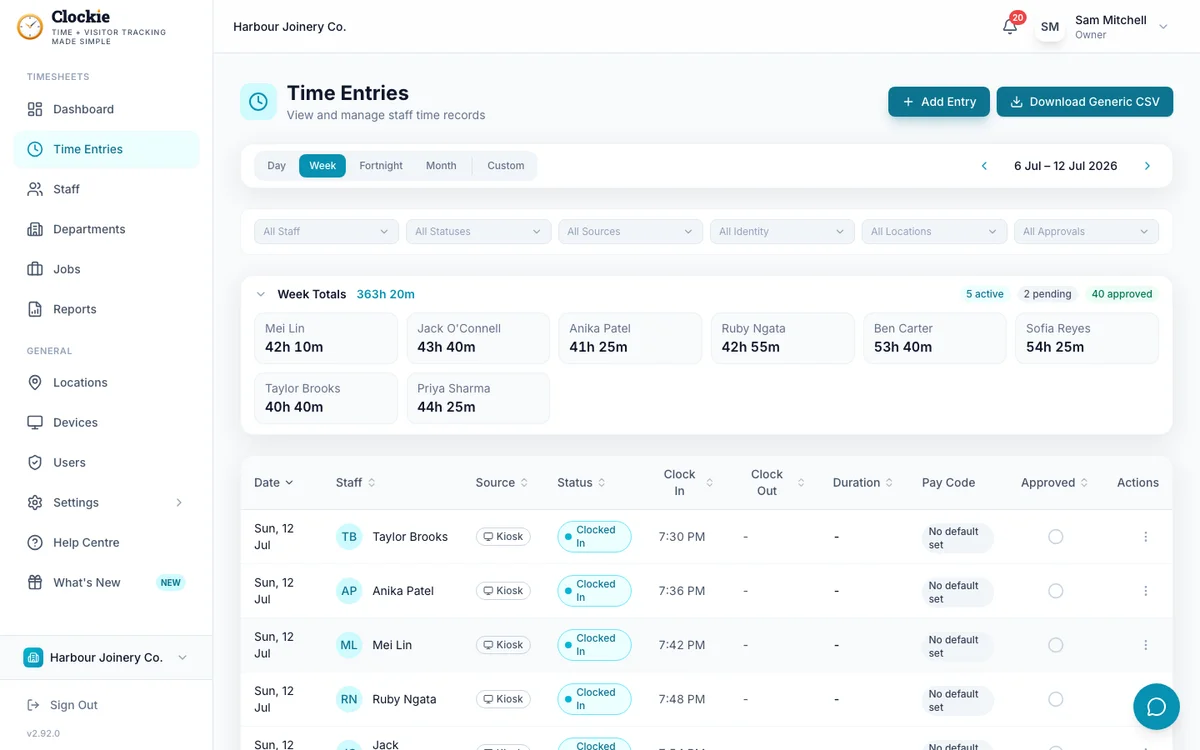
Review the timesheets with break deductions and rounding applied. Only approved, clocked-out entries can reach the worksheet file.
Build the worksheet file
One click writes the header row and one line per shift, with each person’s IRD number, the date, the factor code and the hours.
Upload to PaySauce
Load the worksheet through PaySauce’s import, check the values against the open pay, and process the pay as usual.
How the hours reach PaySauce
Approved hours in Clockie
Verified clock-ins with breaks, rounding and pay codes already applied.
Timesheet file
.csv
PaySauce pay run
Receives a timesheet file already shaped to its import spec.
Clockie writes the file to PaySauce's own import spec, so the upload is the whole job — no reshaping columns in a spreadsheet first.
What the PaySauce export covers
Built to PaySauce’s published worksheet file format. Here is exactly what Clockie writes, and what it checks before the file is produced.
- File type
- Comma-delimited .csv with a header row, one row per shift, with paysauce in the filename as the format requires.
- Columns written
- Date, IrdNo, Factor and Hours, plus a DepartmentCode column whenever any entry in the period carries a department code.
- Employee matching
- PaySauce matches on IRD number, so each staff record needs its IRD number in Clockie. The stored form is passed through unchanged.
- Dates
- Written YYYYMMDD in your business timezone, one row per worked day.
- Factor codes
- A Clockie pay code’s factor export value tags the row, so ordinary time, time and a quarter, time and a half, double time and leave codes all arrive tagged. Entries without a pay code default to ORD.
- Hours
- Decimal hours after your break-deduction and rounding rules have been applied to the shift.
- Department costing
- Department codes fill the DepartmentCode column, which PaySauce treats as costing routing.
- Validation Clockie runs
- Only approved entries with a clock-out are exported, and anyone without an IRD number on their staff record is left out of the file and named to you first.
Why teams pair Clockie with PaySauce
Matched the way PaySauce expects
PaySauce keys worksheet rows on IRD number rather than a payroll code, and Clockie writes exactly that, checking every person has one before it builds the file.
Factor codes without the lookup table
Map each Clockie pay code to its PaySauce factor once. Overtime, allowances and leave then arrive tagged correctly every period, without anyone remembering the code list.
Costing that survives the import
Department codes travel in the worksheet, so hours stay costed to the right part of the business when they land in the pay.
Built for on-site and rural teams
Offline-first clock-ins and shared-tablet kiosks mean hours are captured on farms, sites and packhouses where the connection is unreliable, then synced when it returns.
About PaySauce
PaySauce is a New Zealand payroll provider listed on the NZX, serving small and medium employers with mobile-first payroll, PAYE intermediary services and payday filing, and it acquired SmoothPay in 2021. It publishes a worksheet file format for importing hours from third-party systems, which is the format Clockie writes.
PaySauce integration questions
Does Clockie work with PaySauce?
Yes. Clockie exports approved timesheets as a CSV in PaySauce’s worksheet file format, carrying the date, IRD number, factor code, hours and optional department code. You upload the worksheet in PaySauce and run your pay as normal.
Why does PaySauce need IRD numbers?
PaySauce matches worksheet rows to employees on IRD number rather than a payroll code, so each staff member needs their IRD number stored in Clockie. Anyone missing one is named to you before the file is built rather than silently dropped.
How do I map overtime and leave codes?
Give each Clockie pay code its PaySauce factor code, for example ORD for ordinary time or the relevant overtime, allowance or leave code. Entries stamped with that pay code carry the factor into the worksheet, and entries with no pay code default to ORD.
Does department costing come through?
Yes. When any entry in the period has a department code, Clockie adds the DepartmentCode column and fills it per row, which PaySauce reads as costing routing.
Are breaks and rounding applied first?
Yes. Hours are exported after Clockie applies your break-deduction and rounding rules, and only approved entries with a clock-out are included, so the worksheet matches what you signed off.
What does the PaySauce export cost?
Nothing extra. Payroll exports are included in every Clockie plan, from $29 NZD per month excluding GST with five staff included, then $2 per extra staff member.
Clockie also syncs live to Xero Payroll and Crystal Payroll, and writes formatted files for the other New Zealand payroll systems. See all integrations.
Send verified hours to PaySauce
Try Clockie free for 14 days. No credit card. Verified clock-ins, automatic NZ breaks, and a PaySauce worksheet ready in one click.
No credit card • Cancel anytime • NZ-based support