
Send clock-ins and sign-ins anywhere Zapier reaches
Approve a timesheet and let Zapier take it from there — into a spreadsheet, a Slack channel, your job system or an invoice. Clockie ships triggers, actions and searches as a connected Zapier app, so the automation is yours to build without writing code.
Zapier
Receives Clockie events the moment they happen.
- Authentication
- A scoped Clockie API key
- Triggers
- 7, all instant REST hooks
- Actions and searches
- 4 actions, 3 searches
- Code required
- None
How it works
From clock-in to pay run in four steps — the hours do the walking.
Staff clock in
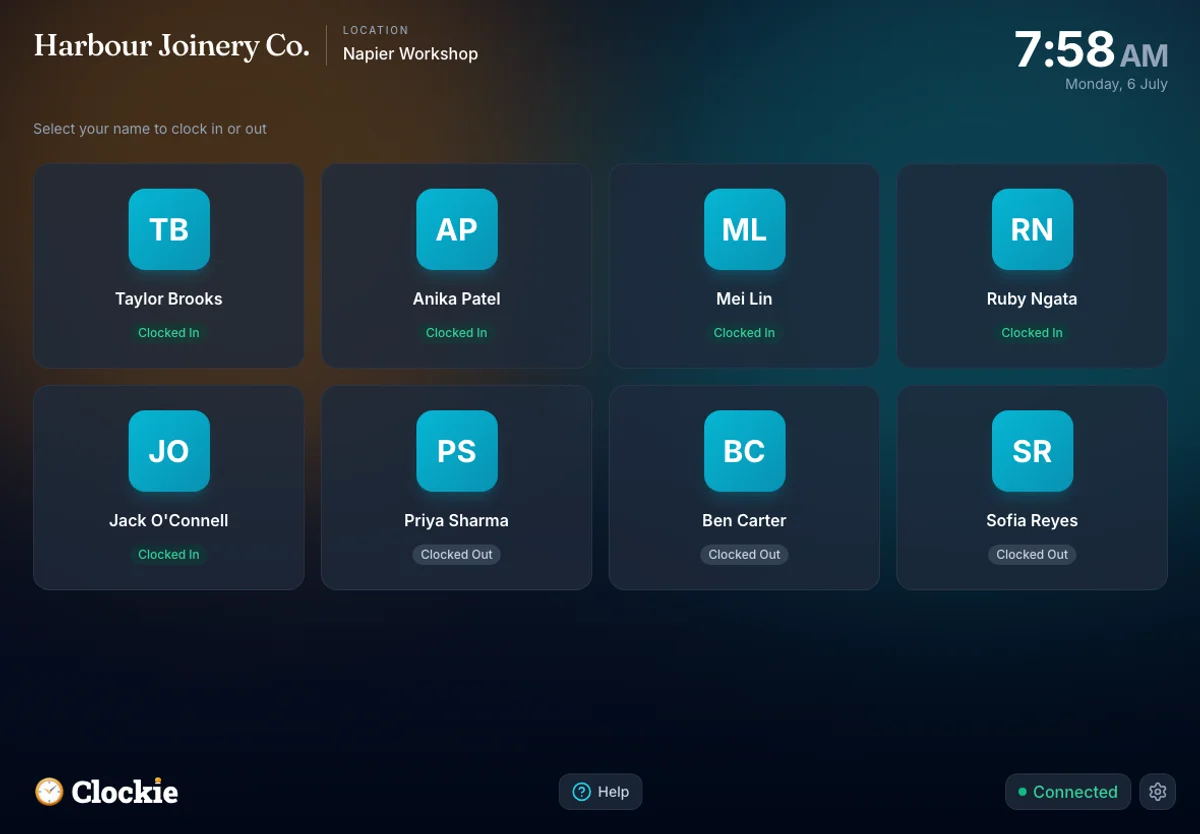
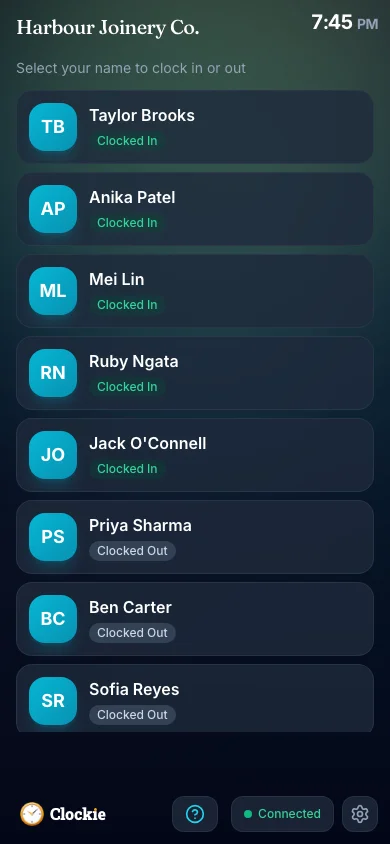
Your team clocks in and out on a shared tablet or their own phone, and visitors sign in at the same kiosk. Everything is captured as it happens.
Connect Zapier once
In Settings, then Integrations, choose Zapier and connect. Clockie issues a scoped API key that you paste into Zapier’s Clockie connection prompt.
Pick a trigger
Choose the Clockie event that should start your Zap — an approved timesheet, a corrected entry, a visitor signing in — and Clockie subscribes the webhook automatically.
Do anything next
Send the event to a spreadsheet, a chat channel, an invoice, a job system or any other app in the Zapier catalogue. Turn the Zap off and Clockie unsubscribes itself.
How the hours reach Zapier
Approved hours in Clockie
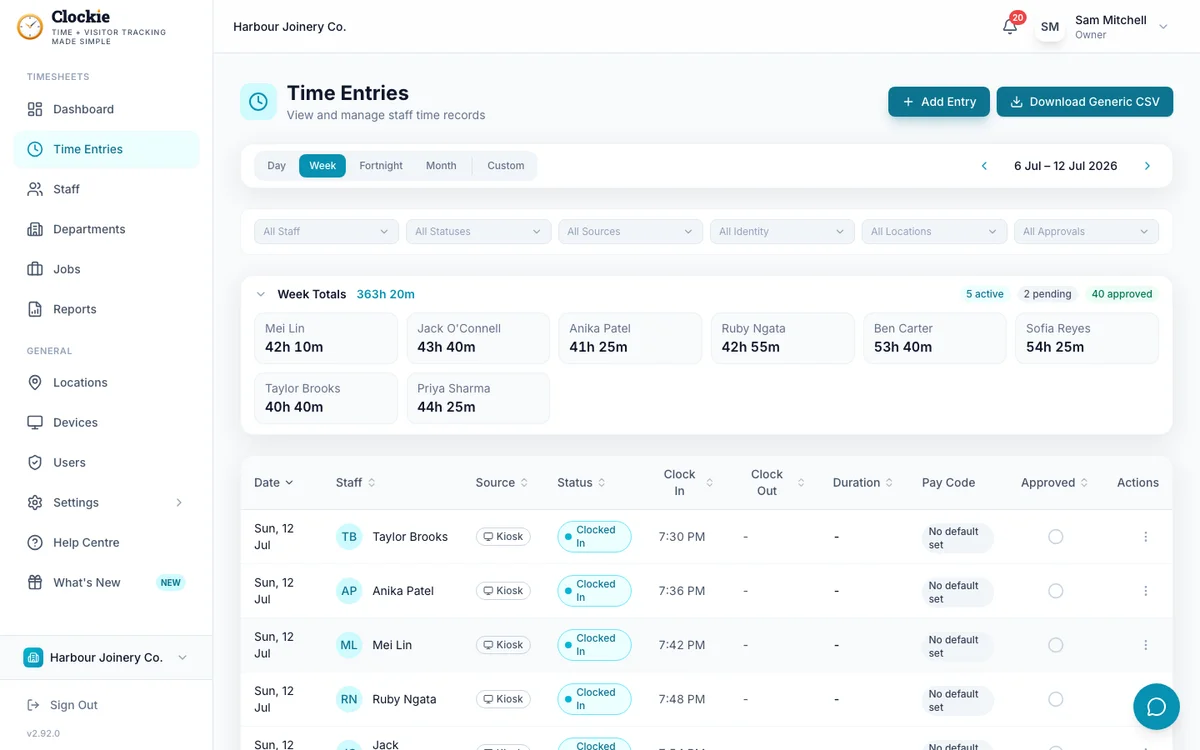
Verified clock-ins with breaks, rounding and pay codes already applied.
Automation link
trigger
Zapier, then the app you picked
Receives Clockie events the moment they happen.
Clockie fires each event the moment it happens and Zapier hands it to whichever app you picked to act on it.
What the Zapier connection covers
Clockie is a connected Zapier app with its own triggers, actions and searches. Here is exactly what it exposes, and how the connection is secured.
- Time triggers
- New Approved Time Entry, Approved Time Entry Updated, Time Entry Unapproved and Approved Time Entry Deleted — so a Zap can react to approval, correction and removal, not just creation.
- Visitor triggers
- Visitor Signed In, Visitor Signed Out and Visitor Automatically Signed Out, for site-safety and reception workflows.
- Actions
- Create Staff Member, Update Staff Member, Create Time Entry and Create or Update Job — so another system can drive onboarding, offboarding or job creation in Clockie.
- Searches
- Find Staff Member, Find Department and Find Job, for matching a Clockie record part-way through a multi-step Zap.
- Delivery
- Every trigger is an instant REST hook. Clockie subscribes when a Zap is turned on and unsubscribes when it is turned off, so there is no polling delay and no orphaned subscription.
- Authentication
- A Zapier-scoped API key issued from Clockie and pasted into Zapier’s connection prompt. The key is shown once and can be rotated from Clockie at any time.
- Disconnecting
- Disconnecting Zapier revokes the active key, disables its webhook destinations immediately and removes the stored subscriptions and signing secrets.
- Templates
- Clockie maintains a catalogue of Zap templates with the field mappings already set, so common automations start from a working example rather than a blank Zap.
Why teams pair Clockie with Zapier
Automation without a developer
The events that matter — an approved timesheet, a visitor on site — reach the rest of your stack through Zapier’s own editor. No API code, no server to run.
Instant, not polled
Triggers are REST hooks, so a Zap fires the moment the event happens rather than on a schedule. Approve a timesheet and the next step runs immediately.
Two-way, not just outbound
Actions and searches mean another system can create staff, log time or open a job in Clockie, so Zapier can drive onboarding and job setup as well as reporting.
A key you control
The Zapier connection uses its own scoped key that you can rotate or revoke from Clockie, and revoking it shuts down the webhook destinations straight away.
About Zapier
Zapier is an automation platform that connects thousands of business apps without code, using triggers from one app to run actions in another. Clockie publishes a connected Zapier app so time, staff, job and visitor events can flow into whatever tools a business already runs.
Zapier integration questions
Does Clockie work with Zapier?
Yes. Clockie is a connected Zapier app with seven triggers, four actions and three searches. You connect it once with a Clockie-issued API key, then build Zaps in Zapier’s editor as you would for any other app.
What can I automate with Clockie and Zapier?
Anything that should follow an event. Common examples: push approved timesheets into a spreadsheet or job-costing tool, post a message when a visitor signs in, create a Clockie staff member from your HR system, or open a Clockie job when one is created elsewhere.
How do I connect Clockie to Zapier?
In Clockie, open Settings, then Integrations, and choose Zapier. Clockie issues an API key and takes you to Zapier, where you accept the Clockie integration invitation once and paste the key into the Clockie connection prompt. Later Zaps reuse that saved connection.
Are the triggers instant or polled?
Instant. Every Clockie trigger is a REST hook, so Zaps run as the event happens. Clockie subscribes the webhook when you switch a Zap on and unsubscribes when you switch it off, so nothing is left listening in the background.
Is the connection secure, and can I revoke it?
The Zapier key is scoped to the Zapier integration and shown only once, so store it in Zapier and nowhere else. You can rotate it from Clockie at any time, and disconnecting Zapier revokes the key, disables its webhook destinations immediately and clears the stored subscriptions.
What if I would rather call the API directly?
Clockie also publishes a REST API and signed webhooks for teams that want to build the integration themselves. Zapier is the no-code route to the same events.
Prefer to build it yourself? Clockie also publishes a REST API and signed webhooks — see all integrations. See all integrations.
Put your clock-ins to work
Try Clockie free for 14 days. No credit card. Verified clock-ins, automatic NZ breaks, and a Zapier connection ready when you are.
No credit card • Cancel anytime • NZ-based support