
Approved hours, in a file any payroll can read
Not on one of the payroll systems Clockie writes a dedicated format for? The full CSV export gives you every field Clockie holds — hours, breaks, pay codes, departments, jobs and notes — ready for any payroll, spreadsheet or accountant.
Whatever payroll you use
Takes one row per approved shift, with every field Clockie holds.
- Export format
- Full detail CSV with header row
- Works with
- Any payroll system or spreadsheet
- Includes
- Raw and adjusted hours side by side
- Scope
- Approved entries for the period you choose
How it works
From clock-in to pay run in four steps — the hours do the walking.
Staff clock in
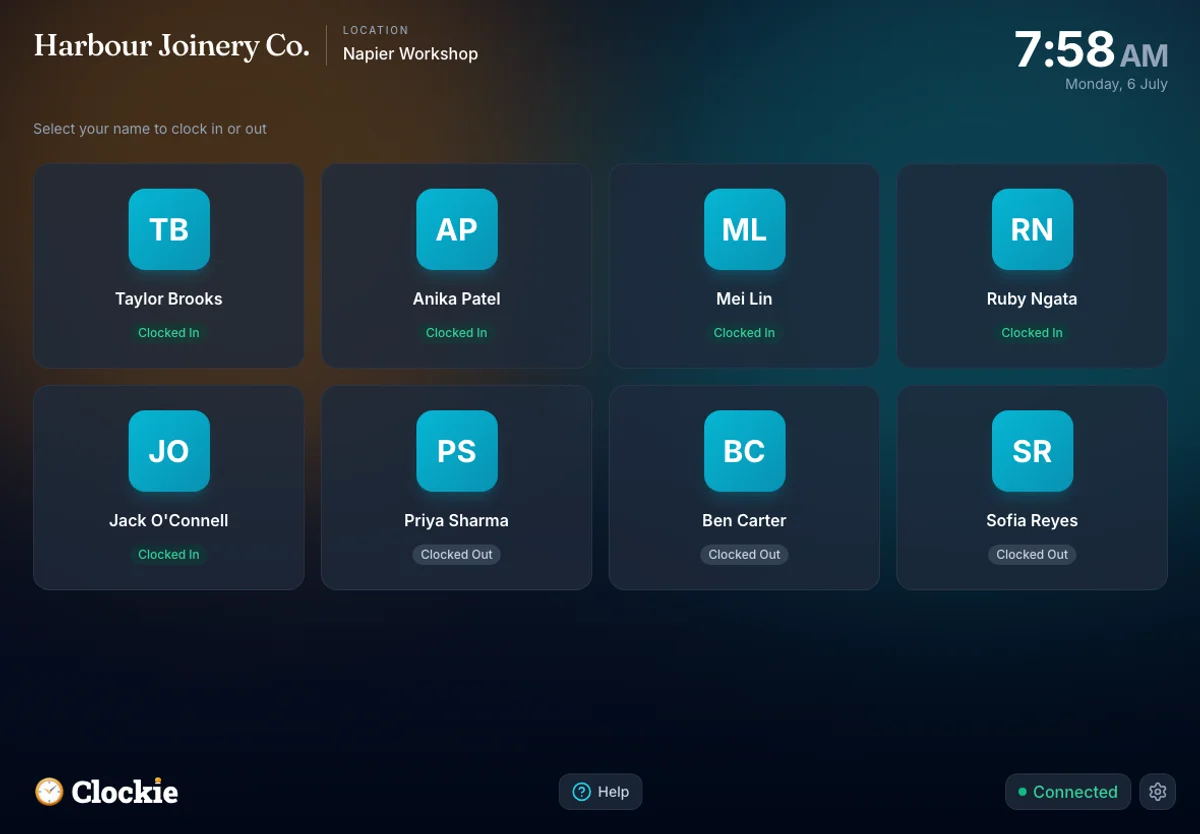
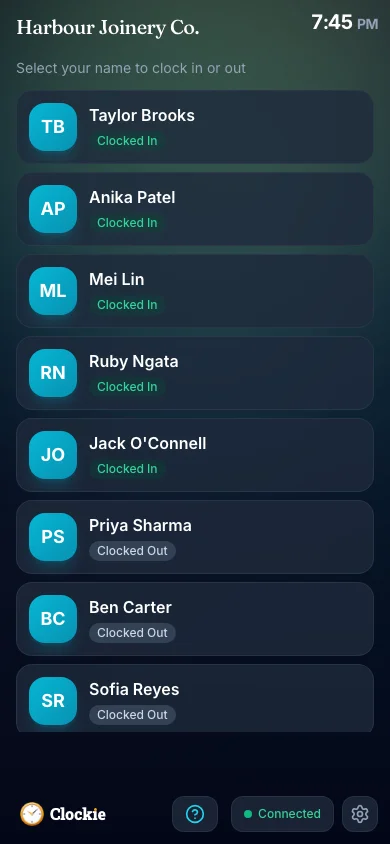
Your team clocks in and out on a shared tablet or their own phone, verified by PIN, photo or face, or tap-and-go with an optional badge or QR in place of PIN and face checks, with offline entries syncing when the connection returns.
You approve the period
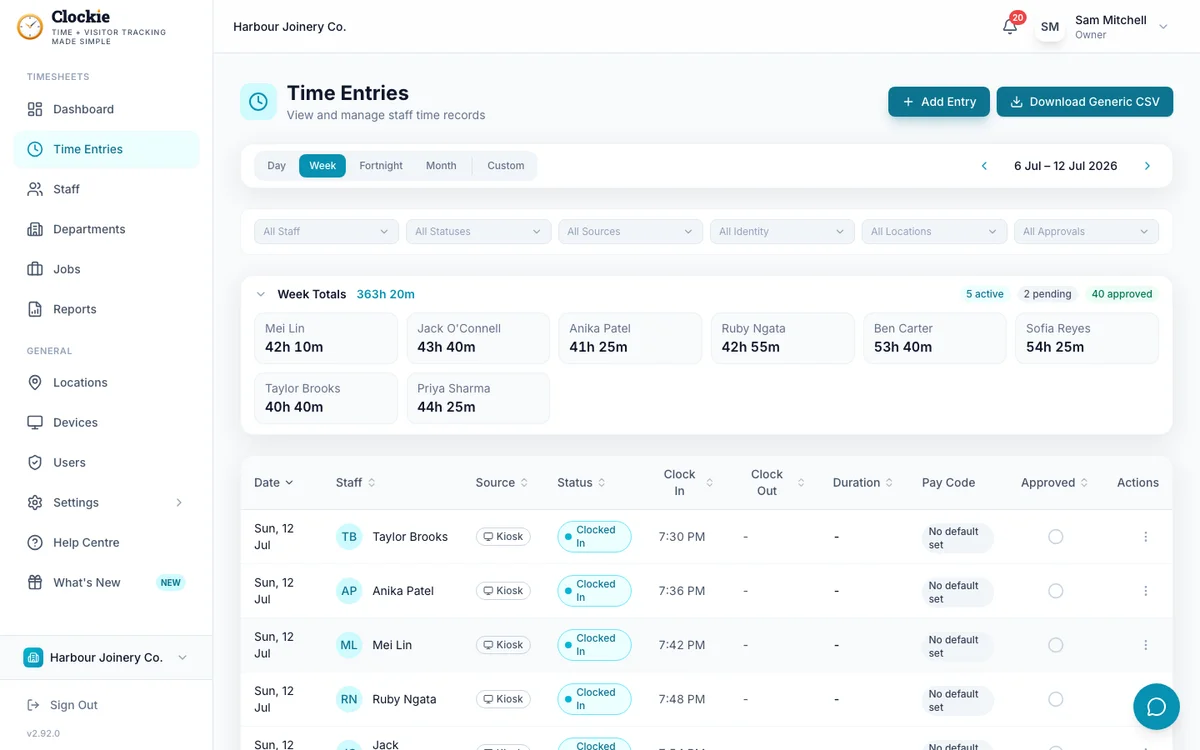
Review the timesheets with break deductions and rounding applied, and correct anything before it reaches payroll.
Export the CSV
Choose the pay period, filter by department, job or individual if you need to, and download the file.
Use it anywhere
Import it into your payroll system, open it in a spreadsheet, or send it to your accountant or bookkeeper.
How the hours leave Clockie
Approved hours in Clockie
Verified clock-ins with breaks, rounding and pay codes already applied.
Timesheet file
.csv
Whatever payroll you use
Takes one row per approved shift, with every field Clockie holds.
One row per approved shift, carrying every field Clockie records — so you can map it to the columns your payroll, spreadsheet or accountant expects, even when there is no dedicated format for it.
What the CSV export contains
This is the full-detail export: everything Clockie knows about each approved entry, in one row per shift, so nothing is lost on the way to payroll.
- File type
- Comma-delimited .csv with a header row, one row per approved shift.
- Person and identifiers
- Staff name and IRD number, so rows can be matched however your payroll keys employees.
- When it was worked
- Date, day of the week, clock-in and clock-out times in your business timezone.
- Raw duration
- Hours, minutes and decimal hours exactly as recorded at the kiosk.
- Adjusted duration
- When break deduction or rounding is switched on, extra columns show break minutes deducted plus the adjusted hours, minutes and decimal hours, so you can see both the raw and payable figures.
- Coding and costing
- Payroll code and name, department, job name and job code for costing and analysis.
- Context and status
- Entry status, source, approval state and any note left on the shift.
- Validation Clockie runs
- Only approved entries with a clock-out are exported, so unapproved or still-running shifts never reach payroll.
Why teams pair Clockie with Generic CSV
Works with any payroll
Every field is present and clearly named, so whether your payroll takes an import or your bookkeeper works in a spreadsheet, the data is there to map.
Raw and payable hours together
See what was clocked and what is payable after break deductions and rounding, side by side, which makes queries quick to settle.
Costing and job data included
Departments, jobs and pay codes travel with each row, so the same file serves payroll, job costing and management reporting.
A dedicated format when you need one
If you move to Xero Payroll, Crystal Payroll or one of the other supported systems, switch your provider in settings and Clockie writes their specific format instead.
About the CSV export
The full CSV export is Clockie’s payroll-agnostic output, available on every plan and every pay period. It is the right choice when your payroll system has its own import mapping, when your accountant handles the pay run, or while you are deciding which payroll to standardise on.
Generic CSV integration questions
Which payroll systems does the CSV export work with?
Any system that accepts a CSV or lets you map columns at import, plus spreadsheets and accountants working from a file. Clockie also writes dedicated formats for Smartly, iPayroll, MYOB Business, MYOB IMS Payroll, PaySauce, PayHero, Crystal Payroll, Employment Hero, SmoothPay goPayroll and Thankyou Payroll, and syncs live to Xero Payroll and Crystal Payroll.
Can I export a single pay period or team?
Yes. Choose the period on the Reports or Time Entries screen, and filter by department, job or individual before exporting so the file contains exactly the rows you need.
Does the export show breaks and rounding?
Yes. When break deduction or rounding is enabled, the file includes the break minutes deducted alongside adjusted hours, minutes and decimal hours, next to the raw recorded duration.
Are unapproved shifts included?
No. Only approved entries with a clock-out are exported, so a shift that is still running or has not been signed off cannot reach your payroll file.
What if I later choose a supported payroll system?
Set your payroll provider in Clockie settings and the export switches to that provider’s format automatically, including any employee ID or pay code checks that provider requires.
Is the CSV export included in every plan?
Yes. Exports are included from $29 NZD per month excluding GST with five staff included, then $2 per extra staff member.
Prefer a dedicated format? See every payroll system Clockie writes for, including live API syncs with Xero Payroll and Crystal Payroll. See all integrations.
Export approved hours in one click
Try Clockie free for 14 days. No credit card. Verified clock-ins, automatic NZ breaks, and a complete timesheet CSV whenever you need it.
No credit card • Cancel anytime • NZ-based support