
A time clock for SmartPayroll customers, now on Smartly
SmartPayroll was renamed Smartly in 2022 — same New Zealand payroll company, same platform, new name. Clockie exports approved timesheets straight into it, in the timesheet-import format Smartly publishes.

Smartly
Receives a timesheet file already shaped to its import spec.
- Current name
- Smartly (renamed 2022)
- Export format
- Smartly #50 pay lines (.csv)
- Employee matching
- Smartly employee code
- Pay rates
- Pay Rate Numbers via pay codes
How it works
From clock-in to pay run in four steps — the hours do the walking.
Check which name you are on
If you log in at smartly.co.nz, or your invoices and payslips say Smartly, you are on the same platform SmartPayroll became. Nothing about the import changed with the name.
Staff clock in and you approve
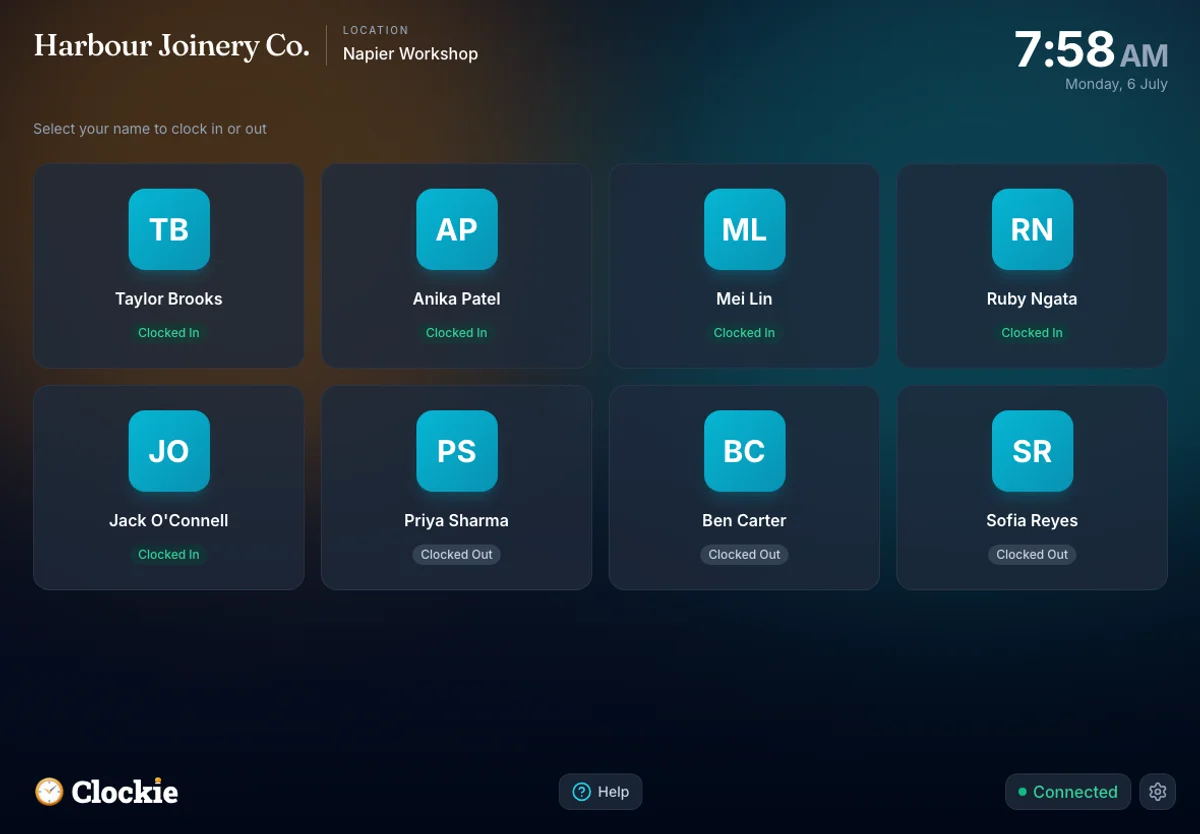
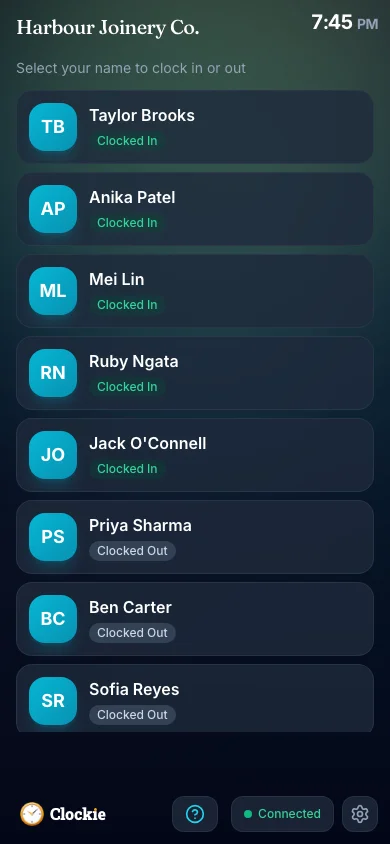
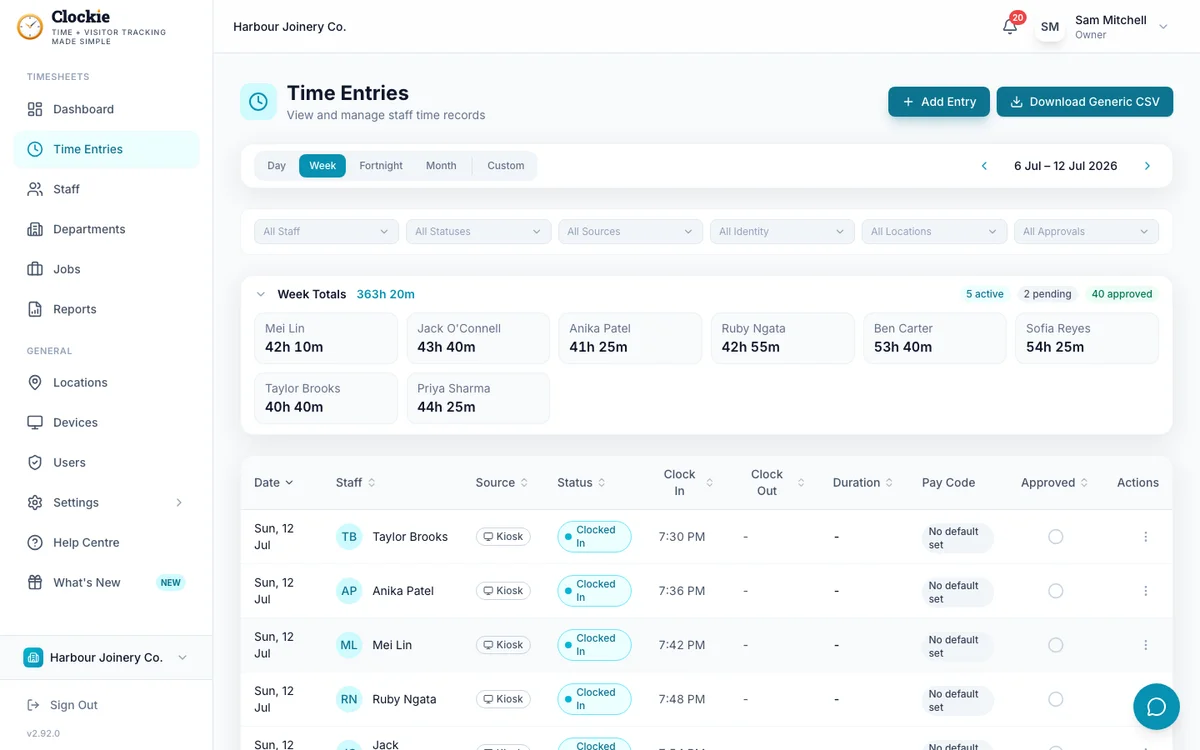
Your team clocks in on a shared tablet or their own phone, verified by PIN, photo or face, or tap-and-go with an optional badge or QR in place of PIN and face checks. You approve the period with break deductions and rounding already applied.
Export the Smartly file
One click writes the #50 pay lines with employee codes, pay rate numbers, hours, department quick codes and days paid. Staff missing a code are named to you first.
Import and run your pay
Upload the file through Smartly’s timesheet import. Smartly flags any errors or warnings before the import proceeds, then you run the pay as usual.
How the hours reach Smartly
Approved hours in Clockie
Verified clock-ins with breaks, rounding and pay codes already applied.
Timesheet file
.csv
Smartly pay run
Receives a timesheet file already shaped to its import spec.
Clockie writes the file to Smartly's own import spec, so the upload is the whole job — no reshaping columns in a spreadsheet first.
The name changed; the import did not
Everything below describes the Smartly timesheet import that SmartPayroll customers are already using. It is built from the worked examples in Smartly’s published third-party timesheet-import help article.
- Why the two names
- SmartPayroll rebranded to Smartly in 2022. Smartly still keeps the smartpayroll.co.nz address pointed at its own site, which is why the old name is still in circulation, on invoices, in bookmarks and in search.
- File type
- Comma-delimited .csv of #50 “Normal Pay” lines with no header row, named smartly-timesheets-<date>.csv.
- Columns written
- Employee Code, Pay Rate Number, Hours, Department Quick Code, Number of Days Paid.
- Employee matching
- Each person’s Employee Payroll ID in Clockie must equal their employee code in the payroll — the same code you have used since the SmartPayroll days. That code keys every line.
- Hours and pay rates
- Decimal hours, totalled per employee, pay rate and department after your break-deduction and rounding rules. A Clockie pay code’s export value maps to the Pay Rate Number (1, 2 or 3); entries without a pay code use rate 1.
- Days paid
- Distinct shift dates per employee, written on their last #50 line with earlier lines carrying 0, so a multi-rate employee’s days are counted exactly once.
- Validation Clockie runs
- Only approved entries with a clock-out are exported. Staff without an employee code are left out of the file and listed to you by name, and an entry whose pay code has no export value is held back rather than written with a blank Pay Rate Number.
- Where to read more
- The full mechanics, including how departments are costed at pay time, live on the Smartly integration page — the canonical guide for this export.
Why teams pair Clockie with Smartly
Search the old name, land on the right answer
You do not have to work out whether your payroll is called SmartPayroll or Smartly before you can find out whether a time clock fits it. It is the same system, and the same export.
Nothing to redo after the rename
The employee codes, pay rate numbers and department quick codes you set up under the old name still key the import. Store the employee code in Clockie once and it keeps working.
No re-keying on pay day
Approved hours become a finished import file in two clicks, so pay day is an upload rather than an afternoon of typing figures into timesheets.
Mistakes surface before the upload
Missing employee codes and unmapped pay codes are named to you in Clockie, so a half-matched file never reaches the payroll importer.
About Smartly, formerly SmartPayroll
Smartly is a Datacom-owned New Zealand payroll and people-management platform, used by more than 22,000 businesses, that traded as SmartPayroll until its 2022 rebrand. It supports third-party time and attendance systems through a published CSV timesheet import, with weekly, fortnightly and monthly pay cycles.
Smartly integration questions
Is SmartPayroll the same as Smartly?
Yes. SmartPayroll was renamed Smartly in 2022. It is the same New Zealand payroll company and the same platform — only the brand changed. The smartpayroll.co.nz address still resolves and sends visitors to smartly.co.nz.
Does Clockie integrate with SmartPayroll?
Yes, through the Smartly timesheet import. Clockie exports approved timesheets as #50 pay lines carrying employee codes, pay rate numbers, hours, department quick codes and days paid, which you upload in Smartly and run your pay from.
Do I need to change anything because of the rename?
No. Choose Smartly as your payroll provider in Clockie and store each person’s employee code as their Employee Payroll ID. The codes carry over from the SmartPayroll era unchanged.
Is this a direct API connection?
No — it is a formatted CSV export. Smartly publishes no public developer API; its documented path for third-party time and attendance systems is the CSV timesheet import, and that is the format Clockie writes.
I still see NetPay or SmartPayroll on old paperwork. Which is current?
Smartly. The Datacom-owned product traded as NetPay, then SmartPayroll from 2020, then Smartly from 2022. If you log in through smartly.co.nz today, the Smartly export in Clockie is the one to pick.
What does the export cost?
Nothing extra. Payroll exports are included in every Clockie plan, from $29 NZD per month excluding GST with five staff included, then $2 per extra staff member.
Smartly is the current name for SmartPayroll, and its guide is the canonical one for this export. Read the full Smartly integration guide.
Send verified hours to Smartly
Try Clockie free for 14 days. No credit card. Verified clock-ins, automatic NZ breaks, and an import-ready file in one click.
No credit card • Cancel anytime • NZ-based support