
A time clock for what used to be KeyPay
Employment Hero retired the KeyPay name in 2023; the payroll engine carried on as Employment Hero Payroll. Clockie exports approved timesheets straight into it, as a clean CSV you map to its timesheet import fields.

Employment Hero
Receives a timesheet file already shaped to its import spec.
- Current name
- Employment Hero Payroll
- Brand retired
- KeyPay, March 2023
- Employee matching
- External ID
- Date format
- DD/MM/YYYY
How it works
From clock-in to pay run in four steps — the hours do the walking.
Confirm which payroll you are in
If you sign in through Employment Hero, or your payroll still greets you as KeyPay, it is the same engine. Employment Hero keeps the KeyPay address live with a rename notice for exactly this reason.
Staff clock in and you approve
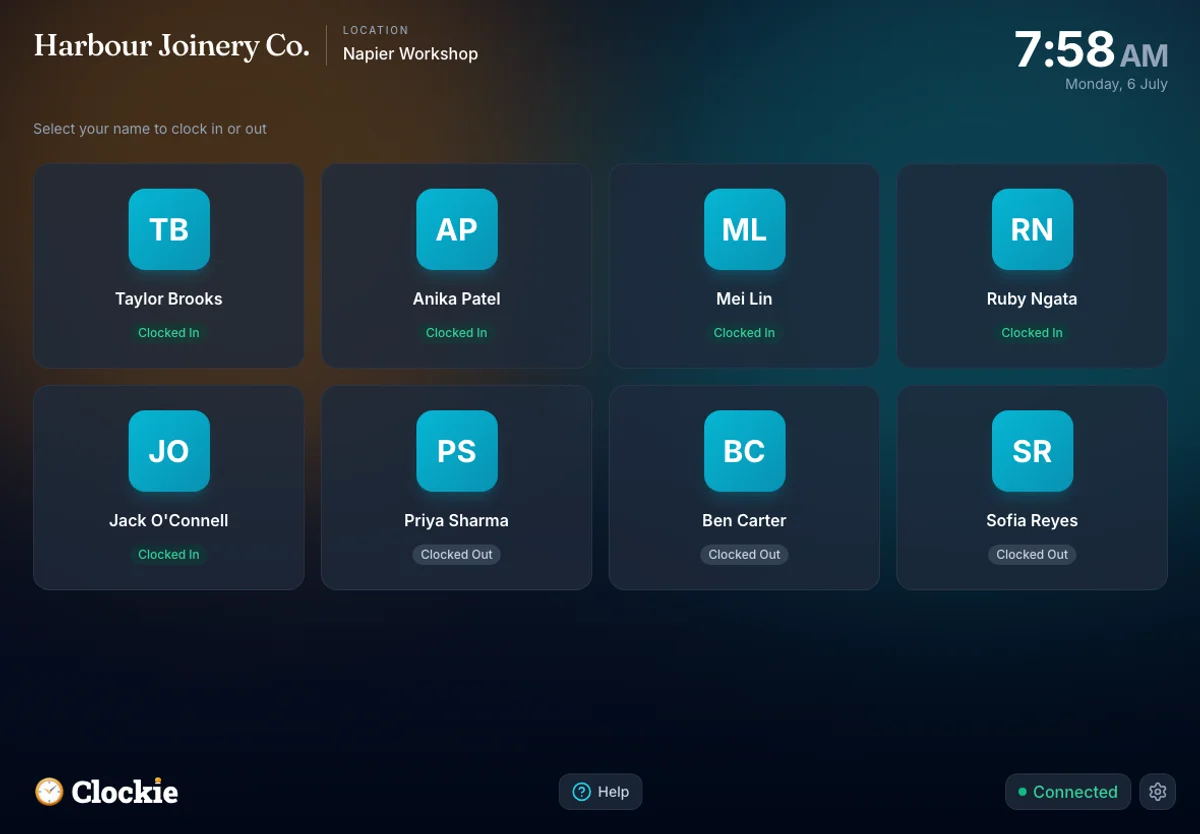
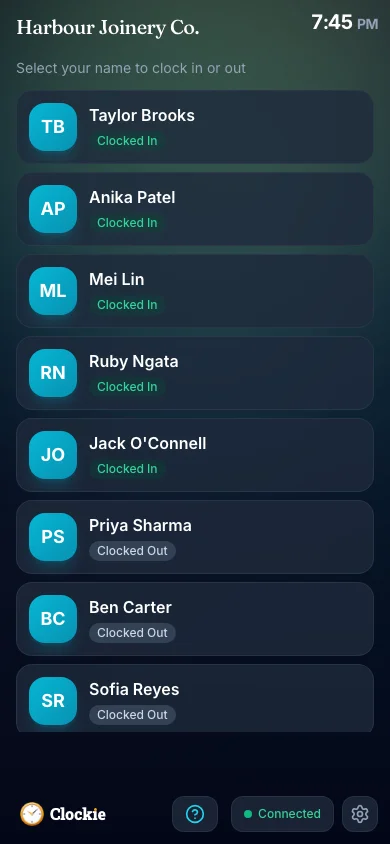
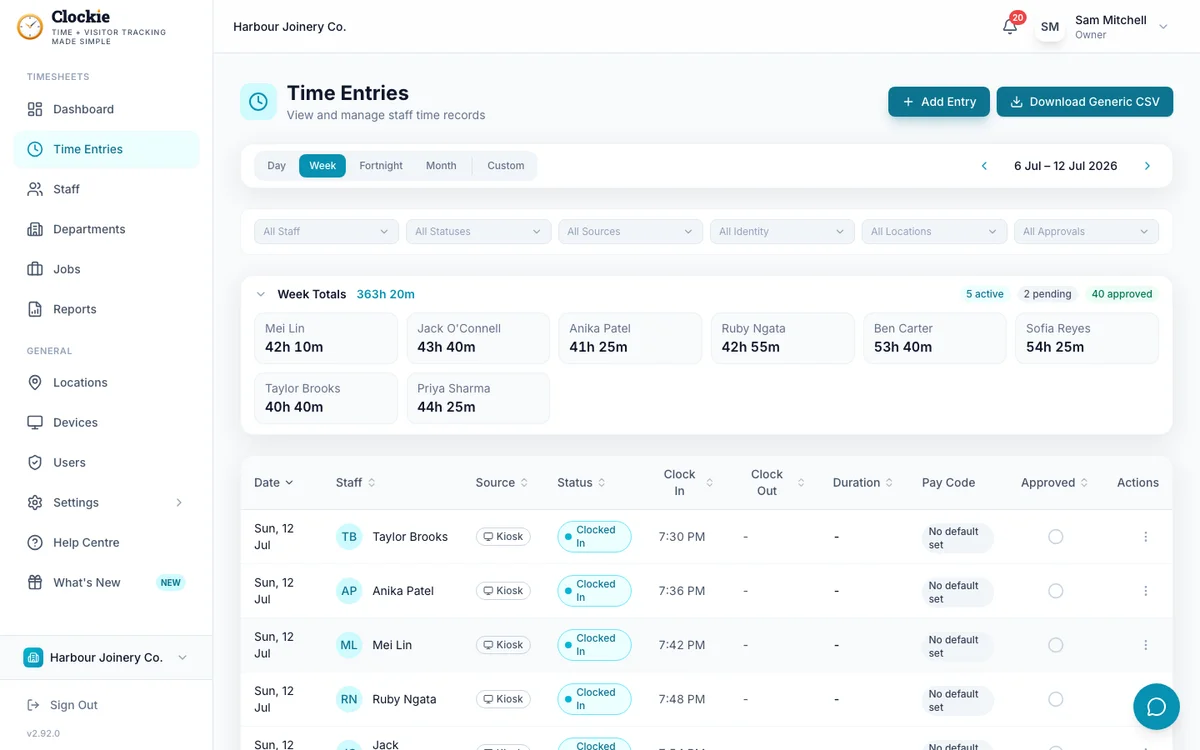
Your team clocks in on a shared tablet or their own phone, verified by PIN, photo or face, or tap-and-go with an optional badge or QR in place of PIN and face checks. You approve the period with break deductions and rounding already applied.
Export the timesheet CSV
One click writes a header-row file with each person’s external ID, the date and the units worked, one row per shift.
Import and map the columns
Upload the file in Employment Hero Payroll and match the columns to its import fields. The mapping is remembered, so later imports are choose, confirm, done.
How the hours reach Employment Hero
Approved hours in Clockie
Verified clock-ins with breaks, rounding and pay codes already applied.
Timesheet file
.csv
Employment Hero pay run
Receives a timesheet file already shaped to its import spec.
Clockie writes the file to Employment Hero's own import spec, so the upload is the whole job — no reshaping columns in a spreadsheet first.
What changed with the rename, and what did not
The brand changed; the timesheet import did not. Here is what Clockie writes for it, and what it checks before you download.
- The rename
- Employment Hero acquired KeyPay and retired the KeyPay brand in March 2023. The product is now Employment Hero Payroll, and Employment Hero keeps the old KeyPay address online with a rename banner.
- Which export to pick in Clockie
- Employment Hero. There is no separate KeyPay export, because there is no separate KeyPay product any more.
- File type
- Comma-delimited .csv with a header row, one row per shift, named employment-hero-timesheets-<date>.csv.
- Columns written
- Employee Code, Date and Units.
- Employee matching
- The Employee Code column carries each person’s Employee Payroll ID from Clockie, which should hold their external ID in the payroll — the same identifier your KeyPay-era records already use.
- Dates and units
- Dates written DD/MM/YYYY in your business timezone, one row per worked day, with units as decimal hours after your break-deduction and rounding rules.
- Column mapping
- The import lets you map each column to its own fields at upload, so the layout keeps working as the import screen evolves.
- Validation Clockie runs
- Only approved entries with a clock-out are exported, and staff without an Employee Payroll ID are named to you before the file is built.
Why teams pair Clockie with Employment Hero
The old name still finds the right answer
Plenty of New Zealand payroll administrators still say KeyPay. You should not have to learn a rebrand history before finding out whether a time clock fits your payroll.
External IDs survive the rebrand
Rows key on the payroll external ID rather than a name, so imports keep matching through a rename, a marriage or two people who share a surname.
NZ break rules already applied
Units arrive after Clockie applies your break-deduction and rounding rules, and only approved entries with a clock-out are eligible — so the payroll gets the hours you signed off.
One tablet, more than timesheets
The same device handles visitor and contractor sign-in, health and safety questions and one-tap evacuation reporting alongside staff clock-ins.
About Employment Hero Payroll, formerly KeyPay
Employment Hero Payroll is the payroll product that traded as KeyPay until March 2023, now part of the Employment Hero HR and payroll platform, and it has been growing its New Zealand presence since 2025. It supports importing timesheets from external systems with a column-mapping step at upload.
Employment Hero integration questions
Is KeyPay still a product?
Not as a brand. Employment Hero retired the KeyPay name in March 2023 and the payroll continued as Employment Hero Payroll. Employment Hero still runs the New Zealand KeyPay site with a banner saying the product is now Employment Hero, which is why the old name is still everywhere.
Does Clockie integrate with KeyPay?
Yes, through the Employment Hero Payroll timesheet import. Clockie exports approved timesheets as a CSV carrying employee codes, dates and units, which you upload and map to the payroll’s import fields.
Which provider should I choose in Clockie?
Employment Hero. Select it in your Clockie payroll settings and the export writes the Employment Hero timesheet file — the one that imports into what you may still call KeyPay.
Which ID should I store against each staff member?
The payroll external ID. Store it as the Employee Payroll ID on the Clockie staff record and it becomes the Employee Code column in the export, giving you a key that does not break when someone changes their name.
Is this a direct API sync?
No, it is a formatted CSV export. Clockie runs live API syncs with Xero Payroll and Crystal Payroll, so the machinery exists, but the Employment Hero path today is the timesheet import file.
Do I have to map the columns for every import?
No. The payroll remembers the column mapping from your previous import, so after the first upload it is choose the file, confirm and import.
Employment Hero Payroll is the current name for KeyPay, and its guide is the canonical one for this export. Read the full Employment Hero Payroll guide.
Send verified hours to Employment Hero
Try Clockie free for 14 days. No credit card. Verified clock-ins, automatic NZ breaks, and an import-ready timesheet file in one click.
No credit card • Cancel anytime • NZ-based support